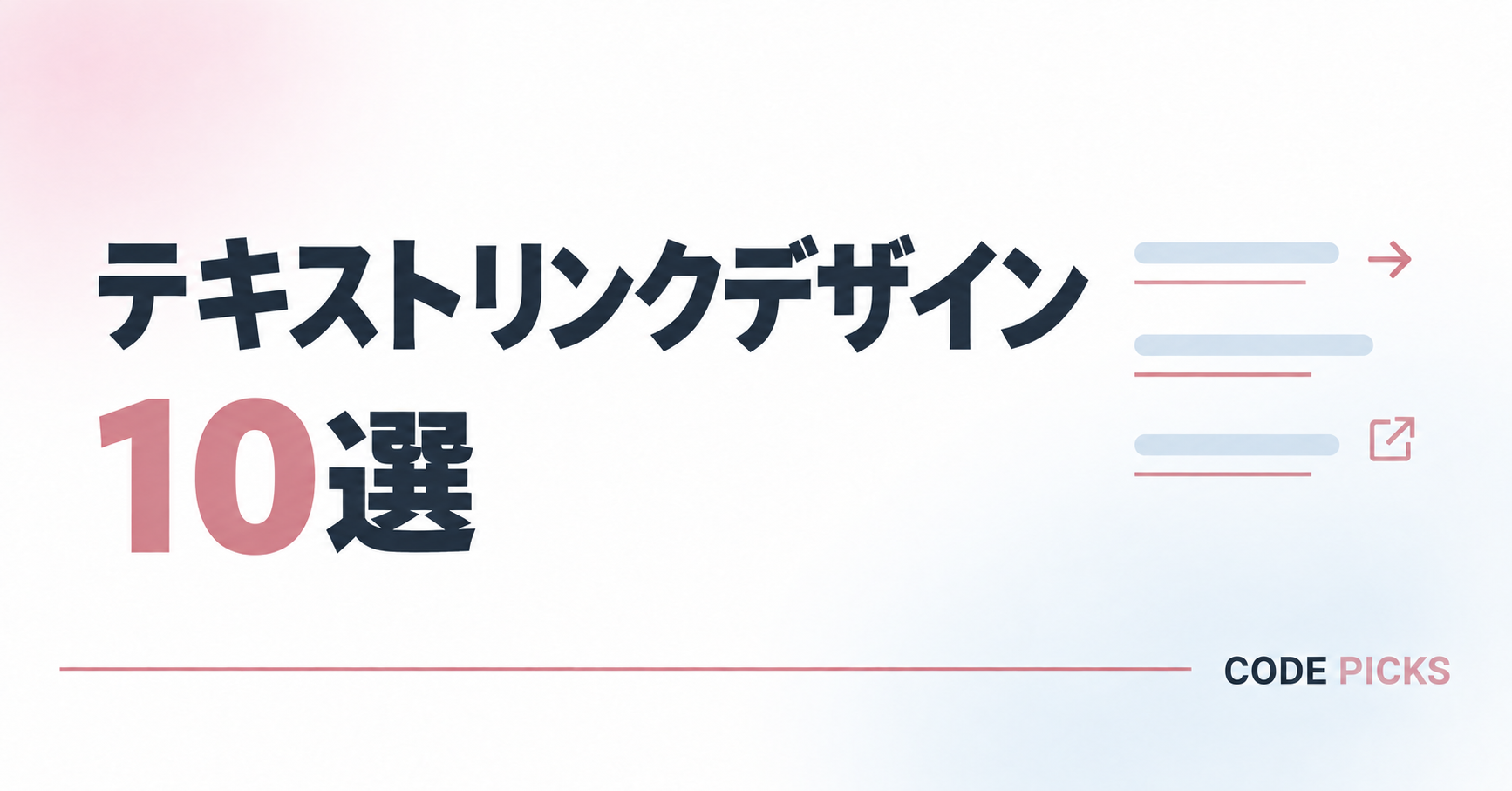
Webサイトで使える、おしゃれなテキストリンクデザインを10種類まとめました。
シンプルな下線付きリンクから、矢印や外部リンクアイコンを付けたもの、ホバー時に動きが加わるデザインまで紹介しています。
すべてHTMLとCSSをコピーして使用でき、リンク先や文字、色も自由に変更できます。記事内の案内や関連ページへの誘導など、用途やサイトの雰囲気に合ったデザインを探してみてください。
シンプルで使いやすいテキストリンク
まずは、下線や矢印、アイコンを取り入れた、基本的なテキストリンクを紹介します。
装飾が控えめで内容を選ばないため、記事内の案内や関連ページへの誘導など、さまざまな場面で使いやすいデザインです。
シンプルな下線リンク
テキストの下に細い線を入れた、シンプルで使いやすいリンクデザインです。
装飾が控えめなので、記事内の案内や関連ページへの誘導など、さまざまな内容に使用できます。
<a class="link-design-01" href="ここにリンク先のURL">
  詳しく見る
</a>
.link-design-01 {
display: inline;
font-size: 16px;
line-height: 1.8;
text-decoration: underline !important;
text-decoration-color: #c98792 !important;
text-decoration-thickness: 1px !important;
text-underline-offset: 5px;
transition: opacity 0.25s ease;
}
.link-design-01:hover {
opacity: 0.65;
}
@media screen and (max-width: 600px) {
.link-design-01 {
font-size: 15px;
}
}色が変わるリンク
マウスを乗せると文字と下線の色が変わる、シンプルなテキストリンクです。
通常時は文章になじみ、リンクに触れたときだけ色が変わるため、控えめに変化を加えたい場合に適しています。
<a class="link-design-02" href="ここにリンク先のURL">
  詳しく見る
</a>
.link-design-02 {
display: inline;
font-size: 16px;
line-height: 1.8;
text-decoration: underline !important;
text-decoration-color: currentColor !important;
text-decoration-thickness: 1px !important;
text-underline-offset: 5px;
transition: color 0.25s ease;
}
.link-design-02:hover {
color: #c98792 !important;
}
@media screen and (max-width: 600px) {
.link-design-02 {
font-size: 15px;
}
}矢印付きリンク
テキストの右側に矢印を付けた、リンク先への移動を分かりやすく伝えられるデザインです。
関連記事や詳細ページなど、続きのページがあることを示したい場面に適しています。
<a class="link-design-03" href="ここにリンク先のURL">
  記事を読む
</a>
.link-design-03 {
display: inline-flex;
align-items: center;
gap: 9px;
font-size: 16px;
line-height: 1.8;
text-decoration: none !important;
transition: opacity 0.25s ease;
}
.link-design-03::after {
content: "→";
color: #c98792;
font-size: 18px;
line-height: 1;
}
.link-design-03:hover {
opacity: 0.65;
}
@media screen and (max-width: 600px) {
.link-design-03 {
font-size: 15px;
}
.link-design-03::after {
font-size: 17px;
}
}外部リンクアイコン付き
テキストの右側に外部リンクを示すアイコンを付けたリンクデザインです。
公式サイトや外部サービスなど、現在のサイトとは別のページへ移動することを分かりやすく伝えられます。
<a class="link-design-04" href="ここにリンク先のURL">

  <span class="link-design-04__text">
    公式サイトを見る
  </span>

</a>
.link-design-04 {
display: inline-flex;
align-items: center;
gap: 9px;
font-size: 16px;
line-height: 1.8;
text-decoration: none !important;
transition: opacity 0.25s ease;
}
.link-design-04__text {
text-decoration: underline;
text-decoration-color: #c98792;
text-decoration-thickness: 1px;
text-underline-offset: 5px;
}
.link-design-04::after {
content: "↗";
display: inline-flex;
align-items: center;
justify-content: center;
width: 17px;
height: 17px;
color: #c98792;
font-size: 12px;
line-height: 1;
border: 1px solid #c98792;
border-radius: 2px;
}
.link-design-04:hover {
opacity: 0.65;
}
@media screen and (max-width: 600px) {
.link-design-04 {
font-size: 15px;
}
.link-design-04::after {
width: 16px;
height: 16px;
font-size: 11px;
}
}線や背景で変化を付けるテキストリンク
続いて、下線の形や背景色を工夫したテキストリンクを紹介します。
シンプルなリンクに少し装飾を加えることで、文章の中でもリンクの存在を分かりやすく見せられます。
下線が伸びるリンク
マウスを乗せると、短い下線が文字の端まで伸びるテキストリンクです。
控えめな見た目のまま動きを加えられるため、シンプルさを保ちながらリンクを印象付けたい場合に適しています。
<a class="link-design-05" href="ここにリンク先のURL">
  詳しく見る
</a>
.link-design-05 {
position: relative;
display: inline-block;
padding: 0 0 4px;
font-size: 16px;
line-height: 1.8;
text-decoration: none !important;
}
.link-design-05::after {
content: "";
position: absolute;
bottom: 0;
left: 0;
width: 35%;
height: 1px;
background: #c98792;
transition: width 0.3s ease;
}
.link-design-05:hover::after {
width: 100%;
}
@media screen and (max-width: 600px) {
.link-design-05 {
font-size: 15px;
}
}背景色が付くリンク
テキストの背景に淡い色を付けた、やわらかな印象のリンクデザインです。
文章の中でもリンクの位置を見つけやすく、強く目立たせすぎずに案内したい場合に適しています。
<a class="link-design-06" href="ここにリンク先のURL">
  記事を読む
</a>
.link-design-06 {
display: inline;
padding: 3px 7px;
font-size: 16px;
line-height: 1.8;
text-decoration: none !important;
background: #edf5fa;
border-radius: 2px;
box-decoration-break: clone;
-webkit-box-decoration-break: clone;
transition: background-color 0.25s ease;
}
.link-design-06:hover {
background: #dfeef7;
}
@media screen and (max-width: 600px) {
.link-design-06 {
font-size: 15px;
}
}点線の下線リンク
テキストの下に点線を入れた、やわらかな印象のリンクデザインです。
通常の下線とは少し異なる見せ方ができるため、文章になじませながらリンクに変化を加えたい場合に適しています。
<a class="link-design-07" href="ここにリンク先のURL">
  詳しく見る
</a>
.link-design-07 {
display: inline-block;
padding: 0 0 3px;
font-size: 16px;
line-height: 1.8;
text-decoration: none !important;
border-bottom: 2px dotted #c98792;
transition:
color 0.25s ease,
border-color 0.25s ease;
}
.link-design-07:hover {
color: #c98792 !important;
border-bottom-color: #c98792;
}
@media screen and (max-width: 600px) {
.link-design-07 {
font-size: 15px;
}
}二重線のリンク
テキストの下に二重線を入れた、少し存在感のあるリンクデザインです。
シンプルな形を保ちながら通常の下線よりも目立つため、確認してほしいリンクを分かりやすく示せます。
<a class="link-design-08" href="ここにリンク先のURL">
  公式サイトを見る
</a>
.link-design-08 {
display: inline-block;
padding: 0 0 3px;
font-size: 16px;
line-height: 1.8;
text-decoration: none !important;
border-bottom: 3px double #c98792;
transition: opacity 0.25s ease;
}
.link-design-08:hover {
opacity: 0.65;
}
@media screen and (max-width: 600px) {
.link-design-08 {
font-size: 15px;
}
}マーカー風リンク
テキストの下半分にマーカーを引いたような色を付けたリンクデザインです。
文章の一部を強調するように見せられるため、読んでほしい記事や注目してほしいページへの案内に適しています。
<a class="link-design-09" href="ここにリンク先のURL">
  この記事を読む
</a>
.link-design-09 {
display: inline;
padding: 0 3px;
font-size: 16px;
line-height: 1.8;
text-decoration: none !important;
background:
linear-gradient(
transparent 58%,
#f3d9de 58%
);
}
.link-design-09:hover {
background:
linear-gradient(
transparent 48%,
#e9bdc5 48%
);
}
@media screen and (max-width: 600px) {
.link-design-09 {
font-size: 15px;
}
}ホバーで矢印が動くリンク
マウスを乗せると、テキストの右側にある矢印が少し横へ動くリンクデザインです。
リンク先へ進む動きを自然に表現できるため、詳細ページや関連記事への誘導に適しています。
<a class="link-design-10" href="ここにリンク先のURL">

  <span class="link-design-10__text">
    詳しく見る
  </span>

</a>
.link-design-10 {
display: inline-flex;
align-items: center;
gap: 9px;
font-size: 16px;
line-height: 1.8;
text-decoration: none !important;
}
.link-design-10__text {
text-decoration: underline;
text-decoration-color: #c98792;
text-decoration-thickness: 1px;
text-underline-offset: 5px;
}
.link-design-10::after {
content: "→";
color: #c98792;
font-size: 18px;
line-height: 1;
transition: transform 0.25s ease;
}
.link-design-10:hover::after {
transform: translateX(5px);
}
@media screen and (max-width: 600px) {
.link-design-10 {
font-size: 15px;
}
.link-design-10::after {
font-size: 17px;
}
}まとめ
今回は、HTMLとCSSをコピーして使える、おしゃれなテキストリンクデザインを10種類紹介しました。
シンプルな下線付きリンクから、矢印や外部リンクアイコンを付けたもの、ホバー時に動きが加わるデザインまで、用途やサイトの雰囲気に合ったものを選んでみてください。
文字やリンク先、色を変更することで、さまざまな記事やWebサイトに使用できます。
リンクをボタンの形でもう少し目立たせたい場合は、シンプルでおしゃれなボタンデザイン15選もあわせてご覧ください。
複数の情報やリンクをまとめて並べたい場合は、おしゃれな箇条書き・リストデザイン15選もおすすめです。
お気に入りのデザインを取り入れて、分かりやすくクリックしやすいページ作りに役立ててみてください。